
Point-and-click adventure
The Small Way Home
A little dog, a storm, and a village of gnomes. Explore with Ella and help the people she meets on her way home.
Chapters One and Two available
 Browse games
 TAP TO PLAY
Open a story adventure in your phone’s browser and use the on-screen controls. Follow Ella into a hidden village, Kit into a roadside mystery, or Nim through his first steps toward recovery. No app download or account is needed.
Choose a phone gameFree in your browser · No download · No account
Point-and-click adventure
A little dog, a storm, and a village of gnomes. Explore with Ella and help the people she meets on her way home.
Chapters One and Two available
Mystery story · Mature themes
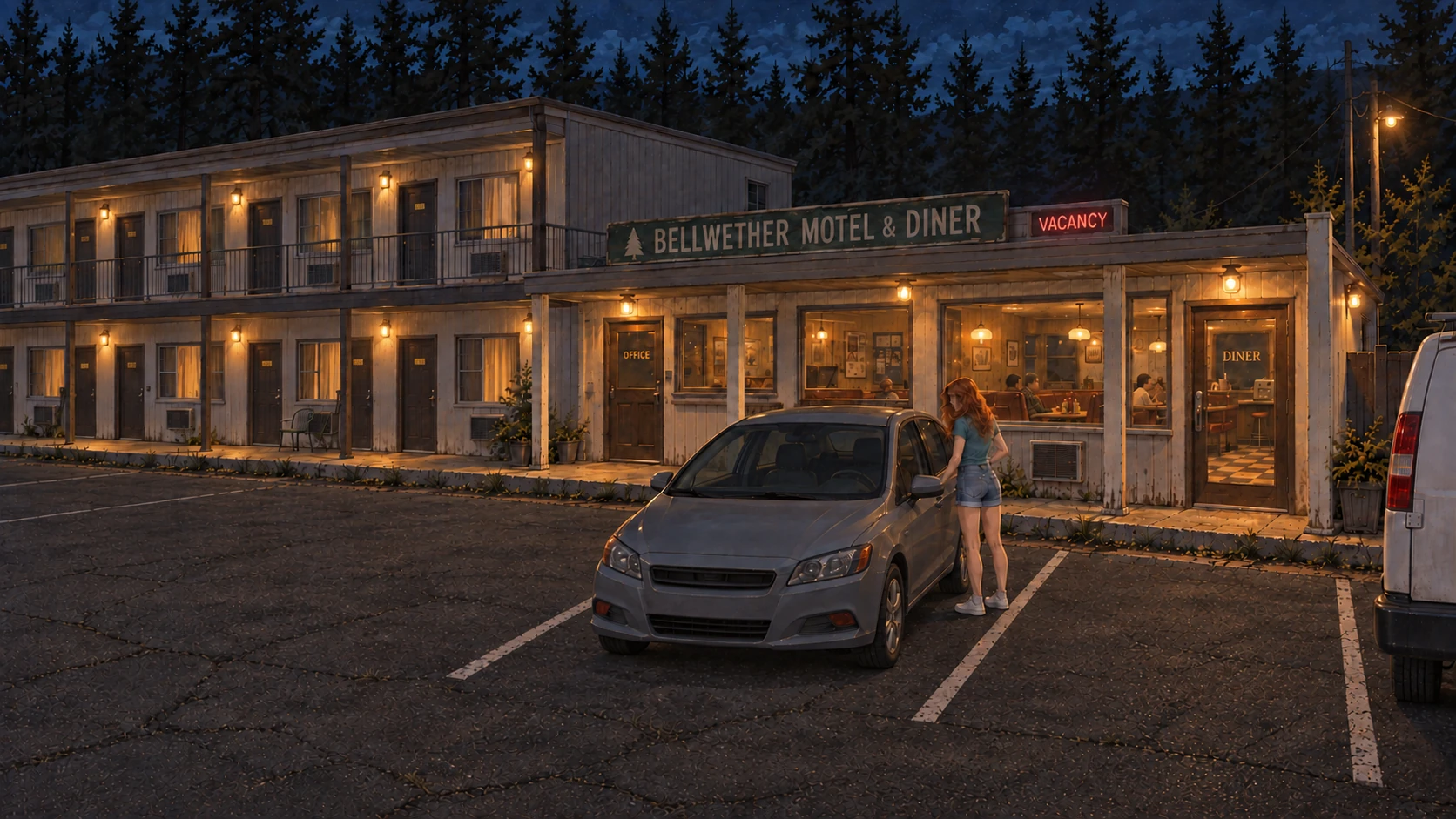
Kit stops for a meal and a room. A stranger’s invitation takes her evening somewhere unexpected. Follow conversations into a growing mystery.
Chapter One available
Sci-fi robot adventure
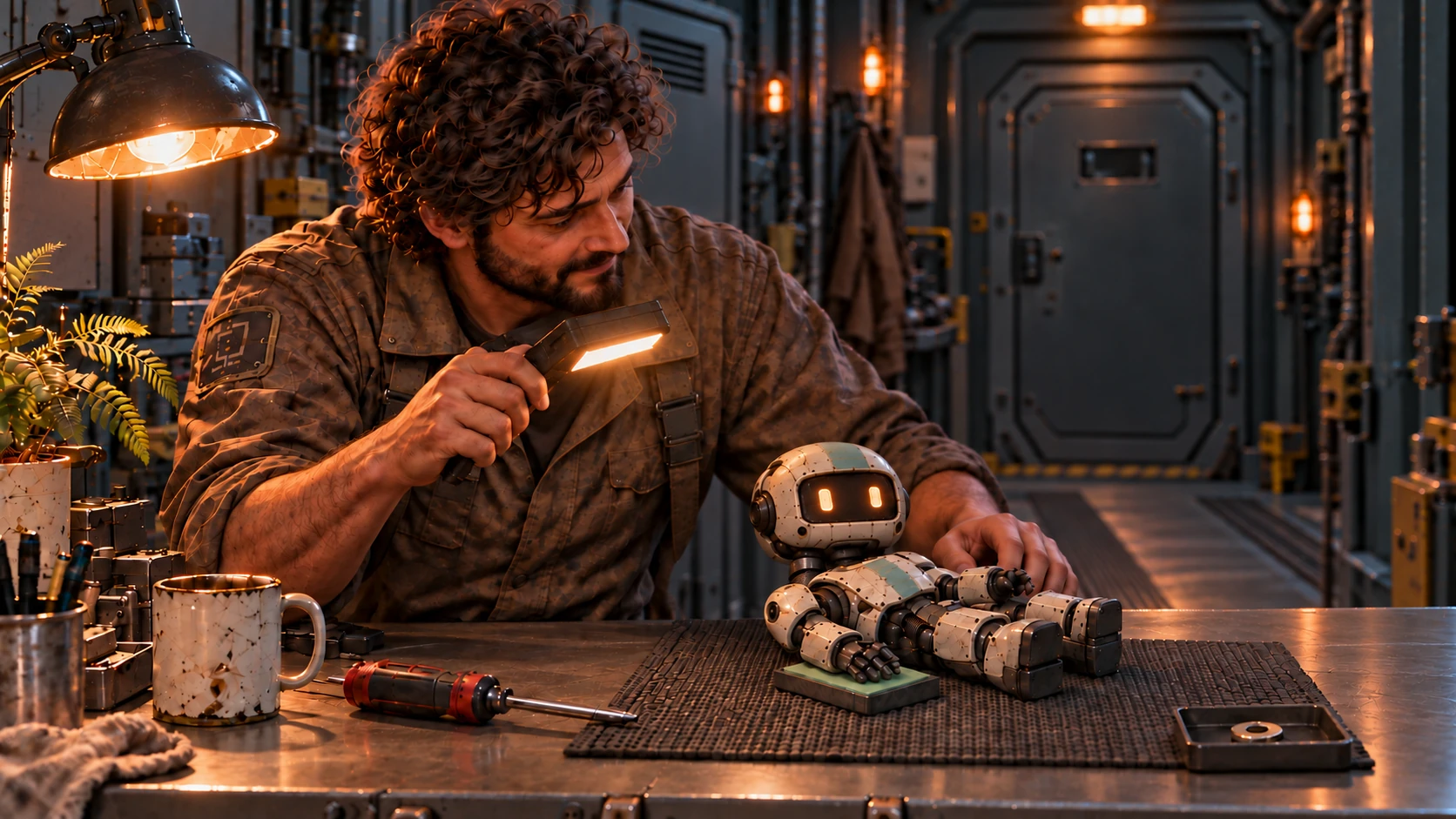
Nim wakes damaged on a workbench. With Rip’s help, take the next small step toward recovery aboard a broken orbital station.
Chapter One available
The Small Way Home, A Very Odd Night and A Little More use wide story scenes. Turn your phone sideways. If the browser stays upright, choose Play sideways when the game offers it; the presentation adapts inside the page. Follow any initial swipe prompt before trying a scene action.
Let voices, captions and movement finish before the next tap. Sound can depend on an initial user interaction, so use the game’s own Play or New game control to begin. The menu provides a place to pause and adjust available options.
Tap the available action or question, then watch and listen to the result. The adventures can hold input while a character is speaking or moving. If another tap seems to do nothing, give the current scene a moment to finish rather than repeatedly tapping around the image.
Ella’s opening guide points out the first required action, with Help available for a reminder. Kit’s mystery includes questions to choose during conversations. Nim’s early actions follow what he can manage with Rip’s help.
Use the same browser next time and choose Continue. Opening a game in another app’s built-in browser can put you in different storage, even on the same phone. A private browsing window may discard its save when closed. Clearing site data removes saved adventure progress.
If a scene is hard to see, return to the game’s menu before changing orientation. Browser and operating-system edge gestures still belong to your phone. The phone guide does not mean every browser or physical device behaves identically.
Yes. The same adventures accept mouse input on a desktop or laptop.
Use the Pause or menu control before stepping away. The games also respond to the page becoming hidden, but an explicit pause makes your intention clear.
No. Progress is stored in your browser rather than a signed-in account.